Understanding IPTV Security
Streaming television over the internet introduces security and privacy considerations that differ from traditional cable or satellite viewing. While IPTV itself is simply a technology for delivering video content, how you access it, which applications you use, and your network configuration all affect your security posture. Understanding these factors helps you make informed decisions about protecting your privacy while enjoying streaming content.
Security concerns around IPTV generally fall into several categories: network privacy (who can see your streaming activity), application security (the safety of apps you install), account security (protecting your subscription credentials), and device security (keeping your streaming hardware safe from threats). Addressing each area creates comprehensive protection for your streaming activities.
This guide covers practical security measures appropriate for typical IPTV users. We focus on straightforward protections that provide meaningful security improvements without requiring advanced technical knowledge or significantly complicating your streaming experience.
Network Privacy and VPNs
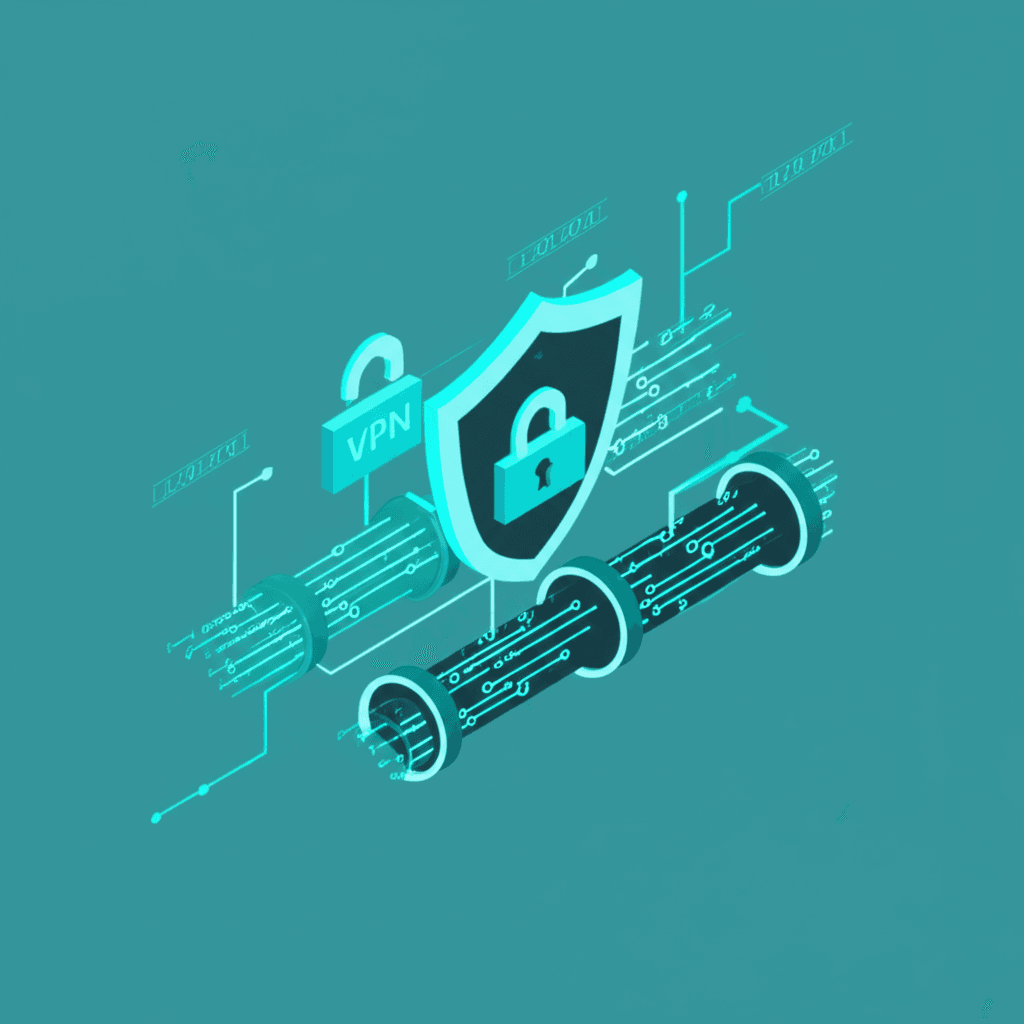
Virtual Private Networks (VPNs) represent the most commonly discussed IPTV security topic. A VPN creates an encrypted tunnel between your device and a remote server, hiding your internet activity from your Internet Service Provider (ISP) and adding a layer of privacy to your online presence. Understanding what VPNs actually do—and don't do—helps you decide whether one makes sense for your situation.
What VPNs Provide
When connected to a VPN, your internet traffic routes through the VPN provider's server before reaching its destination. Your ISP sees only that you're connected to a VPN—they cannot see which websites you visit or which streaming services you access. The destination servers (like IPTV providers) see the VPN server's IP address rather than your actual IP address.
VPNs can help in several streaming scenarios. If your ISP throttles detected streaming traffic, a VPN can mask the traffic type and potentially improve speeds. On public WiFi networks, VPNs encrypt your traffic to prevent eavesdropping by others on the same network. For users concerned about privacy, VPNs reduce the information trail associated with their streaming activities.
VPN Limitations
VPNs are not magic privacy shields. Your VPN provider can potentially see your traffic instead of your ISP—you're trading one observer for another. VPNs typically reduce internet speeds due to encryption overhead and additional routing distance. Free VPNs often have severe limitations and may monetize your data, undermining the privacy benefits you sought.
For IPTV specifically, VPNs can introduce latency that affects live streaming performance, particularly for sports where even small delays matter. Some IPTV services block known VPN IP addresses. If you choose to use a VPN, test it with your IPTV service before committing to ensure compatibility and acceptable performance.
Choosing a VPN for IPTV
- • Speed: Look for VPNs with fast servers and unlimited bandwidth
- • Server Locations: More options mean better chance of good performance
- • No-Log Policy: Choose providers that don't record activity
- • Device Support: Ensure compatibility with your streaming devices
- • Kill Switch: Disconnects internet if VPN drops, preventing exposure
Application Security
The IPTV player applications you install represent significant security considerations. Unlike web browsers that sandbox content somewhat, dedicated apps have deeper system access. Malicious or poorly-designed apps can compromise your device, steal information, or introduce security vulnerabilities. Careful app selection protects your devices and data.
Safe App Sources
Official app stores—Google Play Store, Apple App Store, Amazon Appstore—provide baseline security through their review processes. Apps in these stores undergo some screening for malicious behavior, though not perfect protection. When possible, install IPTV apps from official stores rather than sideloading from unknown sources.
When sideloading is necessary (some IPTV apps aren't available in official stores), download only from verified developer websites or trusted sources. Avoid random APK download sites that may modify apps to include malware. Check file hashes when provided to verify you received the authentic file.
App Permission Awareness
IPTV apps need certain permissions to function: network access to stream content, storage access to cache data, and possibly overlay permissions for picture-in-picture. They generally should NOT need access to your contacts, SMS messages, phone call functions, camera, or microphone. If an IPTV app requests unusual permissions, consider whether that access makes sense for a video player.
Modern Android and iOS systems let you review and revoke permissions after installation. Periodically audit app permissions on your streaming devices, removing unnecessary access. This limits the damage potential if an app turns out to be compromised.
Account Security
Your IPTV subscription credentials represent value that others might try to steal or misuse. Proper account security prevents unauthorized access to your subscription and protects any payment information associated with your account.
Account Protection Best Practices
- ✓Unique Password: Use a password not shared with any other service
- ✓Strong Password: Combine letters, numbers, and symbols; avoid dictionary words
- ✓Don't Share: Keep credentials private; sharing risks account termination
- ✓Verify Communications: Contact support only through official channels
- ✓Monitor Usage: Watch for unexpected device connections to your account
Device and Network Security
Your streaming devices and home network form the foundation of your IPTV security. Compromised devices or insecure networks can expose your streaming activity and potentially other sensitive information. Basic security hygiene protects your entire digital environment, not just streaming.
Streaming Device Security
Keep streaming device firmware and apps updated. Updates often include security patches for discovered vulnerabilities. Enable automatic updates when available, or check manually on a regular schedule. Outdated software represents one of the most common security weaknesses.
Periodically review installed apps on your streaming devices, removing any you no longer use. Unused apps still consume resources and may contain unpatched vulnerabilities. A cleaner device is easier to secure and typically performs better.
Home Network Security
Your WiFi network should use WPA3 encryption if supported by your router, or at minimum WPA2. Avoid WEP encryption, which is trivially broken. Use a strong WiFi password that isn't easily guessed. Change the default router administrator password, which is often publicly known for each router model.
Consider creating a separate guest network for visitors rather than sharing your main WiFi password. Some security-conscious users create a dedicated IoT network for streaming devices and smart home equipment, isolating them from computers containing sensitive data.
Security Red Flags
- • Apps requesting excessive or unusual permissions
- • Emails or messages asking for your credentials
- • Unexpected devices connected to your subscription
- • Apps only available from suspicious download sites
- • Services that require disabling security features
Public Network Considerations
Streaming on public WiFi networks (hotels, cafes, airports) introduces additional risks. These networks are typically shared with unknown users who could potentially intercept unencrypted traffic. If you stream while traveling, a VPN becomes more valuable for protecting your activity from local network observers.
Mobile data connections (4G/5G) are generally more private than public WiFi since traffic routes through your carrier rather than a shared local network. If you have adequate mobile data, it often represents a more secure option than unknown WiFi networks for sensitive activities.