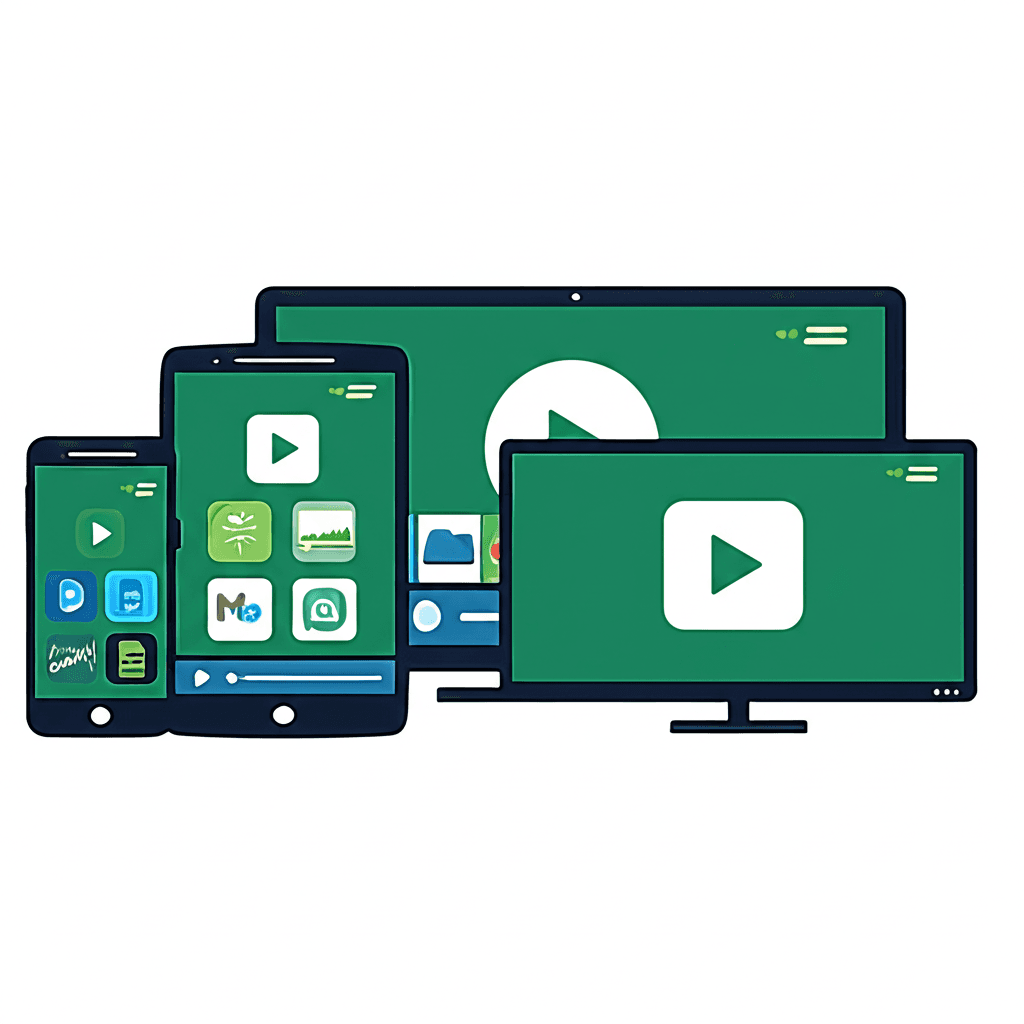
The Android Streaming Ecosystem
Android has emerged as the world's most widely deployed operating system, powering billions of devices from smartphones and tablets to televisions, streaming boxes, and automotive systems. This ubiquity makes Android a crucial platform for streaming video content, with the ecosystem supporting everything from major commercial streaming services to specialized IPTV applications.
Google's open-source approach to Android has fostered a diverse device ecosystem with varying capabilities and form factors. Unlike closed platforms, Android allows third-party application installation, custom player development, and deep system integration. This flexibility has made Android particularly attractive for streaming applications that require features beyond what standardized platforms provide.
Android Device Categories
Smartphones represent Android's largest device category, with over 70% global market share. Modern Android phones feature high-resolution displays (often exceeding 1080p), powerful processors capable of 4K video decoding, and cellular connectivity enabling streaming anywhere with network coverage. The portability of smartphones has transformed viewing habits, with mobile streaming consumption growing exponentially.
Android tablets occupy a middle ground between phones and televisions, offering larger screens suitable for extended viewing while maintaining portability. Tablets excel for personal viewing in home environments where television sharing isn't practical. Samsung, Lenovo, and Amazon (with Fire tablets running a modified Android fork) dominate this category.
Android TV represents Google's dedicated television platform, running on smart TVs from manufacturers like Sony, TCL, and Hisense, as well as streaming devices like the NVIDIA Shield, Chromecast with Google TV, and various third-party boxes. Android TV optimizes the interface for lean-back viewing with remote control navigation, larger text, and simplified menus suited to viewing from across a room.
Android Device Comparison
- •Smartphones: Portable, cellular connectivity, touchscreen interface, personal viewing
- •Tablets: Larger screens, WiFi-primary, touch interface, extended viewing comfort
- •Android TV: Television-optimized, remote control, lean-back interface, family viewing
- •Streaming Boxes: Add smart features to any TV, often more powerful than built-in systems
- •Fire TV: Amazon's Android fork, Alexa integration, extensive app ecosystem
Video Player Technology
Video playback on Android involves multiple system components working together. The MediaCodec API provides access to hardware video decoders, enabling efficient playback of various formats. ExoPlayer, Google's open-source media player library, has become the foundation for most Android streaming applications, offering adaptive streaming support, extensive format compatibility, and customization options.
Adaptive bitrate streaming protocols like HLS (HTTP Live Streaming) and DASH (Dynamic Adaptive Streaming over HTTP) enable seamless quality adjustment based on network conditions. These protocols break video into small segments at multiple quality levels, allowing players to switch resolutions dynamically without playback interruption. ExoPlayer handles these protocols natively, abstracting complexity from application developers.
DRM (Digital Rights Management) support through the Android DRM framework enables playback of protected content from commercial services. Widevine, Google's DRM technology, provides three security levels with varying capabilities. Level 1 (L1) offers hardware-protected decryption required for HD and 4K playback on services like Netflix, while Level 3 (L3) provides software-only protection suitable for lower resolutions.
Codec Support and Hardware Acceleration
Video codec support varies significantly across Android devices, determined by both the chipset manufacturer and Android version. H.264 (AVC) enjoys universal support, making it the safest choice for compatibility. H.265 (HEVC) offers approximately 50% better compression but requires hardware support found primarily in devices from 2015 onward. Many streaming services encode in both formats to ensure device compatibility.
Hardware acceleration dramatically impacts playback performance and battery life. Hardware video decoding utilizes dedicated silicon designed specifically for video processing, achieving far greater efficiency than general-purpose CPU decoding. Without hardware acceleration, 4K video playback may be impossible, and even 1080p content can cause device heating, battery drain, and stuttering playback.
The emerging AV1 codec promises significant efficiency improvements over HEVC but requires newer hardware for accelerated decoding. Devices with MediaTek Dimensity 1000+ or Qualcomm Snapdragon 888 and later chipsets typically include AV1 hardware support. YouTube, Netflix, and other services increasingly use AV1 encoding where device support exists, reducing bandwidth requirements while maintaining quality.
Common Video Codec Support
- •H.264 (AVC): Universal support, excellent compatibility, standard for most content
- •H.265 (HEVC): Devices 2015+, 50% smaller files, required for 4K on most services
- •VP9: YouTube's preferred format, good Android support, royalty-free
- •AV1: Newest devices only (2022+), best compression, growing adoption
- •HDR Formats: HDR10, Dolby Vision support varies by device and manufacturer
IPTV Application Architecture
IPTV applications on Android typically implement one of two primary connection methods: M3U playlist parsing or Xtream Codes API integration. M3U files are text-based playlists containing channel URLs and metadata, offering simple implementation but limited interactivity. Xtream Codes API provides richer functionality including electronic program guides, catch-up TV, and account management through structured API calls.
The M3U format originated with Winamp and has become a de facto standard for playlist distribution. Extended M3U (M3U8) adds metadata tags enabling features like channel grouping, logos, and EPG references. IPTV players parse these files to build channel lists, though limitations in the format prevent features like real-time interaction or two-way communication with servers.
Xtream Codes API provides a more sophisticated interface supporting authentication, category navigation, stream URL generation, EPG retrieval, and DVR functionality. Applications implementing this API can offer features impossible with simple playlist parsing, including catch-up television, recording schedules, and real-time channel updates without re-downloading entire playlists.
Electronic Program Guides
Electronic Program Guide (EPG) integration significantly enhances the streaming experience by providing schedule information for upcoming programming. EPG data typically uses XMLTV format, an XML-based standard containing program titles, descriptions, times, and optional imagery. IPTV applications either retrieve EPG data through Xtream Codes API or parse standalone XMLTV files linked in M3U playlists.
EPG accuracy and availability vary considerably across providers and channels. Major networks typically have reliable guide data, while smaller or regional channels may have incomplete or missing information. Some applications offer EPG source configuration, allowing users to substitute or supplement provider data with third-party sources for improved accuracy.
Network Considerations
Network connectivity significantly impacts streaming quality on Android devices. WiFi connections typically provide the bandwidth and stability needed for high-quality streaming, while cellular connections face greater variability. Modern adaptive streaming protocols help manage network inconsistency, but a stable minimum bandwidth remains essential for uninterrupted viewing.
WiFi positioning affects streaming performance on Android TV devices and tablets used in fixed locations. Distance from access points, wall interference, and network congestion from other devices can cause buffering even on fast connections. 5GHz WiFi bands offer higher speeds but shorter range than 2.4GHz, requiring consideration of device placement relative to routers.
Android TV devices and streaming boxes often include Ethernet ports, providing the most reliable connection for uninterrupted streaming. Wired connections eliminate WiFi variability entirely, ensuring consistent bandwidth delivery. For serious streaming setups, Ethernet connections to Android TV devices typically provide the best experience, particularly for 4K content or live events where buffering is especially disruptive.
Application Installation Methods
The Google Play Store provides the primary application distribution channel for Android, offering curated apps that meet Google's policies. However, many IPTV applications are unavailable through Play Store due to policy restrictions or developer choice. Sideloading—installing APK files directly—enables access to applications outside the official store ecosystem.
Enabling sideloading requires adjusting Android security settings, typically found under "Security" or "Privacy" settings as "Unknown Sources" or "Install Unknown Apps." Android TV devices may require additional steps through developer options. Once enabled, users can install APK files downloaded from developer websites, transferred via USB, or installed through file management applications.
Downloader apps simplify sideloading on Android TV devices where file management is less convenient. These applications allow URL entry for direct APK downloads and installation, streamlining the process of adding applications not available through official channels. The Downloader app by AFTVnews has become particularly popular for Fire TV and Android TV sideloading.