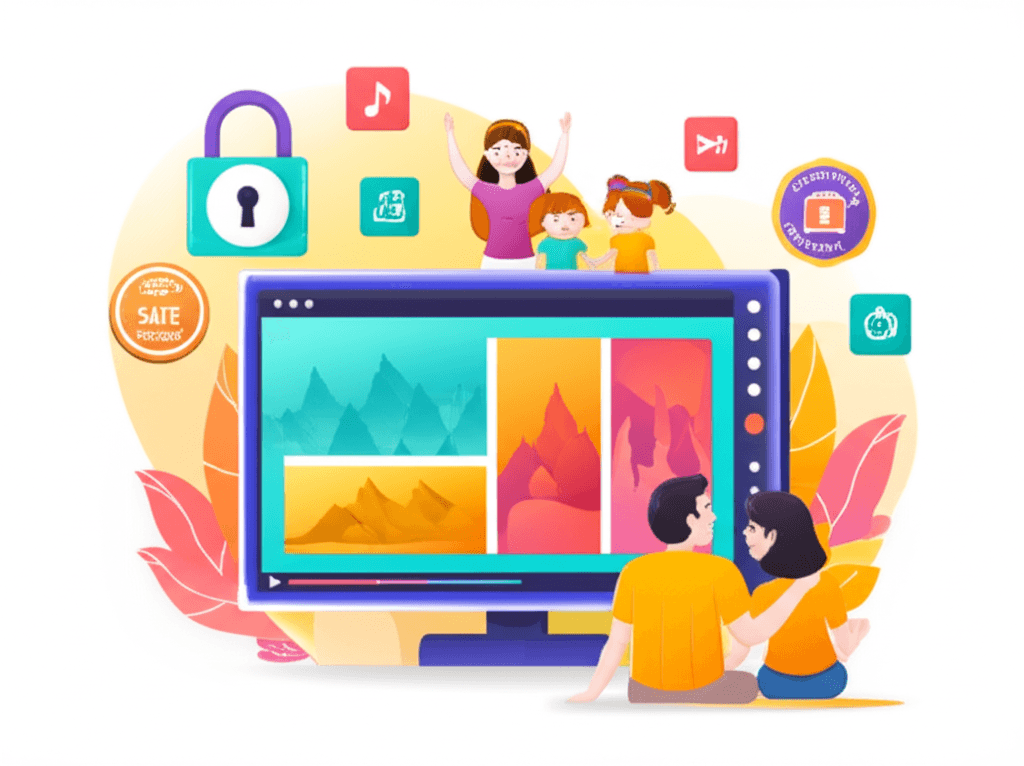
Introduction to IPTV Kids Content
In today's digital age, children consume more video content than ever before. IPTV (Internet Protocol Television) has emerged as a popular way for families to access a vast library of television programming, including extensive options for young viewers. However, with this abundance of content comes the responsibility of ensuring that children access only age-appropriate material. This comprehensive guide explores everything parents need to know about kids content on IPTV services, from parental controls and channel options to educational programming and best practices for family viewing.
Unlike traditional cable television where parental controls were limited, modern IPTV services offer sophisticated tools for managing what children can watch. Understanding these features and how to implement them effectively is essential for any parent considering IPTV as their family's primary entertainment source. Whether you're concerned about content ratings, want to limit screen time, or simply want to curate a selection of educational and entertaining channels, IPTV platforms provide the flexibility to create a customized viewing experience for viewers of all ages.
Understanding Parental Controls on IPTV
Parental controls on IPTV systems represent one of the most significant advantages over traditional broadcast television. These controls operate on multiple levels, providing parents with granular control over what their children can access. The primary mechanism is typically a PIN (Personal Identification Number) system, where parents set a secret code that must be entered to access restricted content. This can be configured to protect individual channels, entire content categories, or specific rating levels.
Most IPTV players implement content rating filters based on standard television rating systems. In the United States, this includes TV-Y (all children), TV-Y7 (directed to older children), TV-G (general audience), TV-PG (parental guidance suggested), TV-14 (parents strongly cautioned), and TV-MA (mature audiences only). Parents can set a threshold where any content above a certain rating requires PIN entry or is completely hidden from the channel list.
Beyond rating filters, IPTV services allow for channel-by-channel blocking. This is particularly useful when you want to allow general entertainment channels but block specific networks that may occasionally air content you consider inappropriate. For example, a parent might allow most general entertainment channels but specifically block certain music video channels or late-night programming networks while still permitting daytime children's content on the same service.
Kids Channels Available on IPTV
One of the major advantages of IPTV services is access to a wide variety of children's programming from around the world. Unlike traditional cable packages that might include a handful of kids channels, IPTV subscriptions often provide dozens of dedicated children's networks. The most commonly available include major American networks like Cartoon Network, Nickelodeon, Disney Channel, and their associated sister channels (Disney Junior, Disney XD, Nick Jr., and Boomerang).
Educational programming networks are well-represented in IPTV channel lineups. PBS Kids offers programming designed to build literacy, math, and social skills in young viewers. Discovery Kids and National Geographic Kids provide science and nature content that entertains while educating. Baby TV and similar networks cater to the youngest viewers with programming designed for infants and toddlers, featuring colorful visuals, simple music, and age-appropriate content that supports early development.
International IPTV services open access to children's content from other countries, which can be valuable for bilingual families or those wanting to expose children to different cultures. European services might include CBeebies (BBC's preschool channel), Super RTL from Germany, or Gulli from France. Asian IPTV packages often include anime channels and educational programming from Japan, Korea, and China. This international variety is something traditional cable systems rarely offer.
Educational Content and Learning Channels
Screen time doesn't have to be passive. Many IPTV channels specialize in educational content that can supplement formal schooling and encourage learning outside the classroom. PBS Kids remains the gold standard for educational children's programming, offering shows that teach reading (Super Why!, Word World), math (Cyberchase, Peg + Cat), science (Sid the Science Kid, The Cat in the Hat Knows a Lot About That), and social-emotional skills (Daniel Tiger's Neighborhood, Arthur).
Documentary channels adapted for young viewers provide another avenue for educational content. National Geographic Kids presents science and nature programming in formats engaging for children, while Discovery Kids offers similar content with an emphasis on experiments and hands-on learning concepts. History Channel and similar networks sometimes offer programming suitable for older children learning about historical events and figures.
Language learning channels deserve special mention for families interested in multilingual education. Some IPTV services include dedicated language learning networks, while others provide children's channels in different languages that can help with immersion-style learning. Watching Peppa Pig in Spanish or French, for example, has become a popular method for parents to introduce second language exposure in a fun, low-pressure way.
Setting Up Kids Profiles
The most effective way to create a child-safe IPTV environment is through dedicated kids profiles. Many IPTV applications support multiple user profiles, similar to streaming services like Netflix. When you create a kids profile, you can pre-select which channels appear in the guide, ensuring children only see appropriate options without needing to enter a PIN for every selection.
Popular IPTV applications like TiviMate allow profile creation where you can assign specific channel groups. Parents might create a profile called "Kids" that only includes cartoon networks, educational channels, and family movies. When a child switches to this profile, they see a simplified interface with only pre-approved content, making navigation easier and eliminating the possibility of accidentally accessing adult content.
IPTV Smarters and similar applications offer profile management with the additional option of customizing the interface appearance. A kids profile might feature larger icons, simplified navigation, and a more colorful theme that appeals to younger users. Some setups allow parents to lock the profile selection screen itself, preventing children from switching to the main adult profile without authorization.
VOD Libraries and On-Demand Kids Content
Beyond live television channels, IPTV services typically include video-on-demand (VOD) libraries with extensive children's sections. These libraries often contain popular animated movies, children's shows in complete series format, and classic cartoons from previous decades. The VOD structure allows children to watch their favorite shows on their schedule rather than being limited to live broadcast times.
Many IPTV VOD sections organize children's content by age group, making it easier for parents to find appropriate programming. Categories might include Baby & Toddler (ages 0-3), Preschool (ages 3-5), Kids (ages 6-8), and Tweens (ages 9-12). This organization helps parents quickly identify content suitable for their child's developmental stage without having to research each title individually.
The catch-up and DVR features available on some IPTV services extend to children's programming. If your child misses their favorite show or wants to rewatch an episode, these features make it possible without needing to wait for a rebroadcast. Some services retain kids programming for longer periods than adult content, recognizing that children often enjoy repetitive viewing of familiar favorites.
Best Practices for Family Viewing
Technology alone cannot replace active parental involvement in children's media consumption. Experts recommend co-viewing whenever possible, especially with younger children. Watching together allows parents to explain confusing content, reinforce positive messages, and have conversations about what children are seeing. This shared experience also helps parents stay informed about what their children watch and enjoy.
Establishing viewing rules and routines helps children develop healthy media habits. This might include setting specific times for television (such as after homework is complete or during limited afternoon hours), implementing total screen time limits, and designating certain days or times as screen-free. Many IPTV devices and applications support scheduling features that can automatically enforce these limits.
Physical setup matters for healthy viewing habits. Position screens at appropriate viewing distances to protect eye health, ensure adequate lighting in viewing areas, and avoid screens in bedrooms where viewing cannot be supervised. For younger children, consider using IPTV on a shared family television rather than personal devices, making supervision easier and viewing a more social activity.
Content Types to Consider for Different Ages
Understanding age-appropriate content helps parents make informed decisions about what to include in their child's viewing options. For infants and toddlers (0-2 years), the American Academy of Pediatrics recommends limited screen time, but when screens are used, programming should feature slow pacing, simple visuals, music, and ideally interactive elements that encourage participation. Baby TV and similar channels design content specifically for this developmental stage.
Preschool-age children (3-5 years) benefit from programming that reinforces early learning concepts like letters, numbers, shapes, and colors while also addressing social-emotional development. Shows that model sharing, friendship, dealing with frustration, and other social skills are particularly valuable. At this age, children begin following simple narratives and can engage with slightly more complex storytelling.
School-age children (6-12 years) have wider ranging interests and can handle more complex content. However, this is also the age where parental controls become most important, as children may seek out content aimed at older audiences. Balancing entertainment with educational content, exposing children to diverse programming, and maintaining open communication about media choices all become important during these years.
Technical Setup for Kids-Safe IPTV
Setting up a child-safe IPTV environment requires attention to both the IPTV application settings and the device configuration. Start by enabling all available parental control features in your IPTV player, including PIN protection, content rating filters, and channel blocking. Document your PIN in a secure location that children cannot access, and avoid obvious combinations like 1234 or birthdates.
Device-level controls add an additional layer of protection. Most streaming devices (Fire TV, Android TV, Roku) offer their own parental control systems that can restrict app downloads, purchases, and access to settings. Enabling these prevents tech-savvy children from circumventing IPTV app restrictions by downloading alternative applications or modifying settings.
Network-level controls through your router or DNS settings can provide protection across all devices in your home. Services like OpenDNS Family Shield or CleanBrowsing automatically filter inappropriate content at the network level. While these primarily target web content, they add comprehensive protection for homes where children use multiple devices and services beyond IPTV.