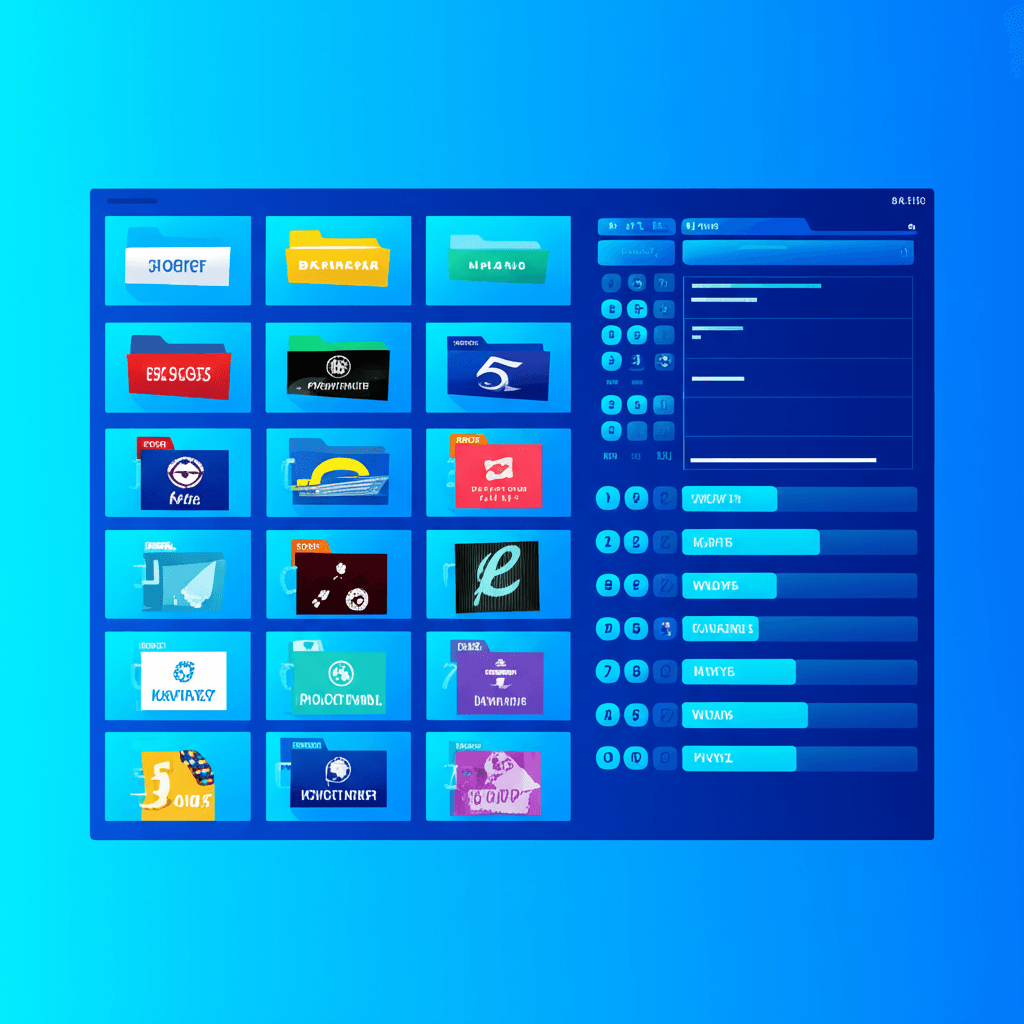
IPTV services distinguish themselves from traditional cable largely through the sheer volume of available content. While cable packages typically offer hundreds of channels, IPTV providers routinely advertise thousands or even tens of thousands of channels spanning multiple countries and content categories. Understanding how these massive channel lineups are organized helps viewers navigate effectively and find content that matches their interests.
Understanding Channel Organization
IPTV channel organization differs from traditional cable where channels receive sequential numbers within a limited range. With thousands of channels available, IPTV services use categorical organization systems that group similar content together, making navigation more intuitive than scrolling through an endless numbered list.
The M3U Playlist Structure
Behind every IPTV channel lineup lies an M3U playlist file containing the technical information needed to stream each channel. These playlists include more than just stream URLs—they contain metadata including channel names, logo references, and most importantly, group tags that define categorical organization.
When your IPTV app loads a playlist, it reads these group tags and organizes channels accordingly. A well-structured playlist places each channel into appropriate categories, enabling the app to present organized menus rather than one overwhelming list. Playlist quality varies between providers—some maintain meticulously organized playlists while others offer poorly structured lists that make navigation difficult.
Category-Based Navigation
Most IPTV apps present channels through category-based navigation systems. These categories typically appear as folders or tabs that expand to reveal channels within each grouping. This hierarchical structure allows you to drill down from broad categories to specific channel types without scanning through unrelated content.
The specific category structure varies between providers and apps. Some use two-level hierarchies (Country then Category), while others implement deeper structures (Region, Country, Category, Sub-category). Understanding your specific app's navigation model helps you locate content more efficiently.
Common Channel Categories
While exact category names and structures vary between providers, most IPTV services organize channels into recognizable content categories. Understanding these common groupings helps you anticipate where to find specific types of content.
Primary Content Categories
Entertainment
General entertainment networks including broadcast networks, cable entertainment channels, and variety programming. Includes channels like USA Network, TNT, TBS, and similar networks focused on series, movies, and general programming.
Sports
Dedicated sports networks covering various leagues and events. Includes ESPN family, Fox Sports, regional sports networks, and international sports channels covering soccer, cricket, and other global sports.
Movies
Movie-focused channels showing theatrical films. Includes premium movie networks, basic cable movie channels, and specialty channels organized by genre like action, comedy, horror, and classics.
News
24-hour news networks from various perspectives and regions. CNN, Fox News, MSNBC, BBC News, Al Jazeera, and international news channels providing global coverage.
Kids
Children's programming channels featuring cartoons, educational content, and family-appropriate shows. Nickelodeon, Cartoon Network, Disney Channel, and international children's networks.
Documentary
Factual programming and documentary networks. Discovery family channels, National Geographic, History Channel, and specialty documentary networks covering science, nature, and current events.
Geographic Organization
IPTV services typically organize channels by country or region in addition to content category. This geographic organization proves essential given the international scope of most IPTV lineups, allowing viewers to quickly locate channels from their home country or explore international content.
Common Geographic Groupings
North America
- • USA
- • Canada (English/French)
- • Mexico
- • Caribbean
Europe
- • United Kingdom
- • Germany
- • France
- • Spain, Italy, etc.
Asia & Other
- • India (Hindi, Regional)
- • Middle East (Arabic)
- • Philippines, Korea
- • Latin America
Electronic Program Guide (EPG)
The Electronic Program Guide transforms IPTV from a simple channel list into a complete television guide experience. EPG displays programming schedules for each channel, showing current and upcoming shows with titles, descriptions, air times, and often program categories or ratings.
How EPG Works
EPG data comes from separate sources than the channel streams themselves. Your IPTV app downloads programming schedule information from an EPG source, then matches this data to channels in your playlist using channel identifiers. This matching process determines which program information appears alongside each channel.
Most IPTV providers supply EPG URLs alongside their playlist URLs. Configuring EPG in your app typically involves entering this URL in the appropriate settings field. The app then downloads and caches the programming data, updating it periodically to maintain current schedules.
EPG Display Formats
IPTV apps present EPG information in various formats depending on the application and user preference. Common formats include grid view presenting multiple channels with time-based programming blocks, list view showing current and next programs for each channel, and single-channel view displaying detailed schedules for selected channels.
The grid view most closely resembles traditional cable guide interfaces, showing several hours of programming across multiple channels simultaneously. This format excels for browsing upcoming content but requires more screen space. List views work better on smaller screens and for quick reference when you know what you want to watch.
Navigating Large Channel Lineups
With thousands of available channels, efficient navigation becomes essential for practical IPTV use. Mastering your app's navigation features dramatically improves the viewing experience, reducing time spent searching and more time actually watching content.
Search Functionality
Channel search provides the fastest way to find specific channels when you know what you want. Most IPTV apps include search features accessible from the main interface. Enter partial channel names to find matches—typing "ESPN" should reveal all ESPN-related channels, while searching for a network name finds related channels across different categories.
Search capabilities vary between apps. Some search only channel names, while others include EPG data allowing searches for program titles. Advanced apps may support searching by genre, country, or other metadata. Understanding your app's search scope helps set appropriate expectations.
Favorites and Custom Lists
Creating favorites lists represents the most effective long-term navigation strategy. By marking regularly watched channels as favorites, you build a personalized shortened list containing only channels you actually watch. Most viewers regularly watch only a small fraction of available channels—favorites capture this personal selection.
Some apps support multiple custom lists beyond simple favorites. You might create separate lists for sports channels, movie channels, news sources, or family viewing. These custom lists enable quick switching between viewing contexts without navigating through general categories each time.
Navigation Tips for Large Lineups
- 1.Build your favorites list immediately when setting up - add channels as you discover them
- 2.Learn your app's keyboard shortcuts or remote button mappings for quick navigation
- 3.Use category filters to narrow searches before scrolling through lists
- 4.Check if your app supports channel number entry for direct access
- 5.Explore EPG features for program-based discovery rather than channel browsing
Channel Quality Considerations
Not all channels in an IPTV lineup deliver equal quality or reliability. Understanding quality variations helps set realistic expectations and identify which channels merit inclusion in your favorites lists.
Quality Indicators
Many providers label channels with quality indicators showing resolution: SD (Standard Definition at 480p), HD (High Definition at 720p), FHD (Full HD at 1080p), and 4K (Ultra HD at 2160p). These labels typically appear in channel names or as separate markers in the interface.
Quality labels represent available stream quality, but actual delivered quality depends on your internet speed and provider server capacity. A channel labeled FHD may stream at lower quality if bandwidth limitations exist. Testing channels during different times reveals their practical quality rather than just advertised specifications.
Working vs Non-Working Channels
Even well-maintained IPTV services include some non-working channels at any given time. Stream sources change, servers experience issues, and content availability varies. Quality providers actively maintain their playlists, removing dead channels and updating broken streams. Poor providers let channel lists degrade with increasing numbers of non-functional entries.
Occasional non-working channels are normal and shouldn't cause alarm. However, if significant portions of channels fail to load or constantly buffer, this indicates either service quality issues or problems with your connection. Testing multiple channels helps distinguish between individual channel problems and systemic service issues.
Specialized Channel Categories
Beyond main content categories, IPTV services often include specialized channel groupings serving specific interests or viewing purposes.
24/7 Channels
Many IPTV services include 24/7 channels dedicated to specific TV shows, playing episodes continuously on loop. These channels provide easy access to favorite series without searching through VOD libraries. Popular series like The Office, Friends, Seinfeld, and various animated shows commonly appear as dedicated 24/7 streams.
PPV and Event Channels
Pay-per-view and event channels activate during major sporting events, boxing matches, wrestling shows, and other special programming. These channels may appear empty outside of events or show pre-event promotions. Knowing where these channels exist in your lineup helps locate coverage when events occur.
Music and Radio
Audio-focused channels including music video networks and radio streams often appear in dedicated categories. These channels provide background entertainment options and access to music television programming from various eras and genres.
Frequently Asked Questions
How are IPTV channels organized?
IPTV channels are typically organized into categories based on content type (sports, movies, news, entertainment) and geographic region (USA, UK, Canada, international). Most IPTV apps display channels in a navigable interface with category folders or filters. The M3U playlist format includes group tags that define these categories, allowing apps to present organized channel lists.
What is EPG and why is it important for IPTV?
EPG (Electronic Program Guide) displays scheduled programming information for each channel, showing what is currently airing and upcoming shows with titles, descriptions, and times. EPG transforms IPTV from a simple channel list into a full TV guide experience, helping viewers find programs and plan their viewing.
How do I find specific channels in a large IPTV lineup?
Most IPTV apps include search functionality allowing you to type channel names to find specific content quickly. You can also use category filters to narrow down lists. Creating favorites lists lets you save frequently watched channels for quick access. Some apps support direct channel number entry like traditional TV.
Why do some IPTV channels not work?
Non-working channels can result from several causes: temporary stream outages, outdated playlist entries, geo-restrictions, or server capacity issues. Quality providers regularly update their playlists to fix broken streams. Occasional non-working channels are normal, but widespread issues indicate poor service quality.