Understanding IPTV Boxes and Streaming Devices
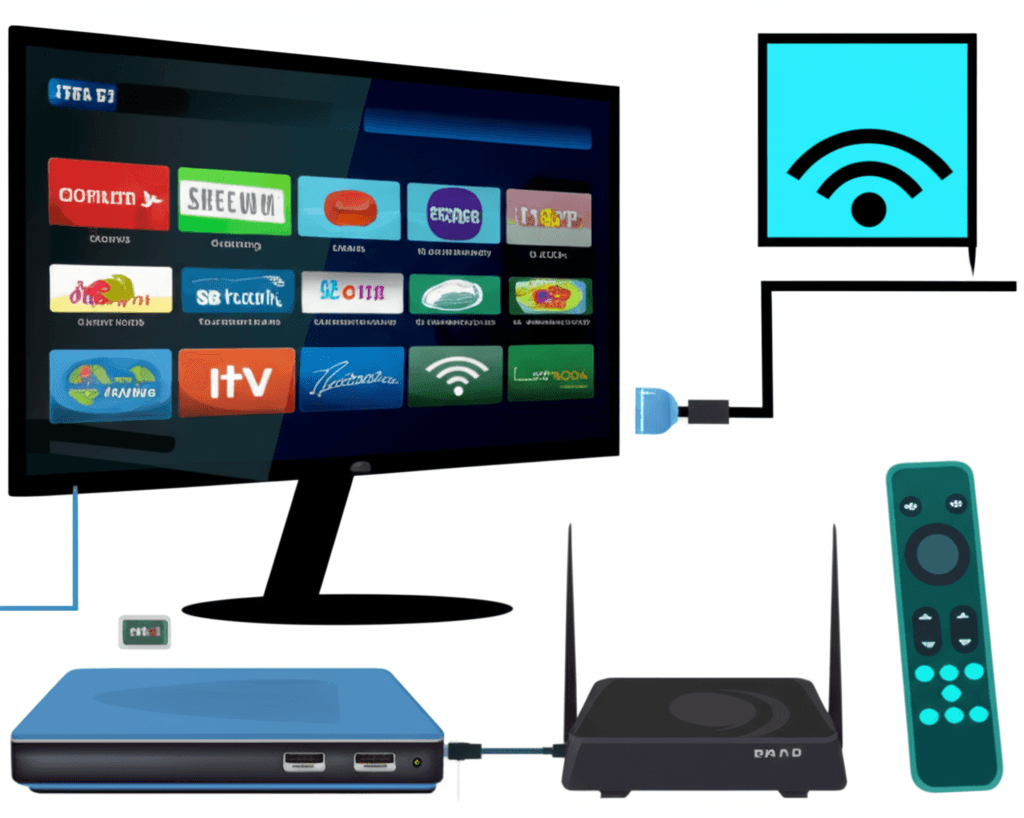
An IPTV box is a dedicated device that connects to your television and enables streaming of internet-based television content. While the term "IPTV box" originally referred to specific set-top boxes designed for IPTV services, today it encompasses a wide range of devices from dedicated IPTV hardware to general-purpose streaming devices running IPTV applications.
Choosing the right device significantly impacts your viewing experience. The device's processor, RAM, storage, and network capabilities determine how smoothly content plays, how quickly channels switch, and whether you can enjoy 4K content without buffering. This guide examines all major categories of IPTV-capable devices to help you make an informed decision.
The market offers options ranging from budget devices under $30 to premium boxes exceeding $200. Understanding what specifications matter for IPTV helps you avoid overspending on unnecessary features while ensuring you don't underspend on a device that can't deliver smooth playback.
Categories of IPTV Streaming Devices
Dedicated IPTV Boxes
Purpose-built devices designed specifically for IPTV streaming. These include Formuler, BuzzTV, MAG boxes, and similar hardware. They typically run proprietary or optimized software focused on IPTV functionality, offering features like integrated EPG, faster channel switching, and simplified setup compared to general-purpose devices.
Best for: Users who primarily want IPTV functionality and value purpose-built interfaces. Often preferred by those who don't need other streaming apps like Netflix or YouTube.
Android TV Boxes
General-purpose streaming devices running Android TV or modified Android operating systems. These offer flexibility to install any IPTV app alongside other streaming services. Popular options include NVIDIA Shield, Xiaomi Mi Box, and numerous third-party manufacturers. Quality varies dramatically between brands.
Best for: Users wanting a multi-purpose device for IPTV, Netflix, gaming, and other apps. Offers the most flexibility but requires more setup.
Streaming Sticks
Compact devices that plug directly into your TV's HDMI port. Amazon Fire TV Stick, Roku Streaming Stick, and Google Chromecast represent this category. Despite their small size, modern streaming sticks offer impressive performance sufficient for most IPTV needs. Their portability makes them excellent travel companions.
Best for: Users wanting simplicity, affordability, and portability. The Fire TV Stick 4K Max is the most popular IPTV device due to excellent performance and app compatibility.
Premium Streaming Devices
High-end devices like NVIDIA Shield TV Pro, Apple TV 4K, and premium Android boxes. These offer the best processors, most storage, and additional features like gaming capability, home theater audio support, and AI upscaling. They represent the top tier for those wanting the best possible streaming experience.
Best for: Enthusiasts, home theater setups, and users who want future-proofed hardware that will remain capable for years.
Key Specifications Explained
Understanding specifications helps you evaluate whether a device will meet your IPTV needs. Here's what each spec means in practical terms:
| Specification | Minimum for IPTV | Recommended | Impact |
|---|---|---|---|
| Processor | Quad-core 1.5GHz | Quad-core 2.0GHz+ | App speed, UI responsiveness |
| RAM | 2GB | 4GB | Multitasking, app stability |
| Storage | 8GB | 16GB+ | App installation capacity |
| WiFi | WiFi 5 (802.11ac) | WiFi 6 (802.11ax) | Wireless streaming stability |
| Ethernet | 100 Mbps | Gigabit | Wired streaming reliability |
| Video Output | 4K 30fps | 4K 60fps HDR | Maximum video quality |
Top IPTV Devices Compared
Here's how popular devices compare for IPTV use in 2026:
Amazon Fire TV Stick 4K Max
Best Value - ~$55
- + WiFi 6 support for stable streaming
- + 2GB RAM handles most IPTV apps well
- + Excellent app ecosystem (TiviMate, Smarters)
- + Very portable for travel
- - No ethernet without adapter ($15 extra)
- - Limited storage (8GB)
NVIDIA Shield TV Pro
Best Performance - ~$200
- + Most powerful streaming processor
- + 3GB RAM, 16GB storage
- + AI upscaling enhances lower-res content
- + Gigabit ethernet built-in
- - Expensive for basic IPTV use
- - Overkill if you don't use extra features
Formuler Z10 Pro Max
Best Dedicated IPTV - ~$180
- + Purpose-built MyTVOnline interface
- + Excellent EPG and channel management
- + 4GB RAM, 32GB storage
- + Fast channel switching
- - Less versatile than Android TV boxes
- - Premium price for single purpose
Xiaomi Mi Box S (2nd Gen)
Budget Android TV - ~$60
- + Official Android TV with Google certification
- + Chromecast built-in
- + Good value for the price
- + Clean, ad-free interface
- - Only 2GB RAM (can struggle with heavy apps)
- - No ethernet port
MAG Boxes: The IPTV Standard
MAG boxes, manufactured by Infomir, represent the original standard for IPTV set-top boxes. They run a Linux-based operating system with the Stalker middleware platform, providing a purpose-built IPTV experience. Many IPTV providers natively support MAG box authentication.
The current MAG lineup includes the MAG 524 and MAG 524w3 (with WiFi). These boxes offer 4K support, fast channel zapping, and stable performance. However, they lack the flexibility of Android-based devices - you can't install Netflix, YouTube, or third-party IPTV apps. They work only with services providing MAG/Stalker portal credentials.
MAG boxes suit users who want a simple, dedicated IPTV device without the complexity of Android. Setup involves entering your provider's portal URL, and the box handles everything else. The interface is straightforward but less customizable than alternatives.
Android Box Buying Guide
The Android TV box market includes excellent devices alongside poorly-made products with misleading specifications. Follow these guidelines to avoid disappointment:
Warning Signs to Avoid
- !Unrealistic specs at low prices: A $30 box claiming 8GB RAM and 128GB storage is lying about specifications.
- !Unknown brands with no support: Boxes without manufacturer websites or support channels should be avoided.
- !"Fully loaded" claims: Boxes advertised as pre-loaded with IPTV often contain pirated apps and receive no updates.
- !Very old Android versions: Boxes running Android 7 or older won't support modern apps properly.
Trusted Android TV Box Brands
- NVIDIA: Shield TV and Shield TV Pro - premium, excellent support
- Xiaomi: Mi Box S - Google-certified, good value
- Amazon: Fire TV Cube - powerful with Alexa integration
- Google: Chromecast with Google TV - affordable, modern
- Formuler/BuzzTV: IPTV-focused, reliable hardware
- Mecool: Budget-friendly with decent quality
Connectivity: WiFi vs Ethernet
Network connectivity significantly impacts IPTV performance. While WiFi offers convenience, ethernet provides the stability crucial for live television streaming.
Ethernet Benefits: Consistent bandwidth without interference, lower latency for channel switching, no signal degradation from walls or distance, more reliable for 4K streaming. If your box supports ethernet and you can run a cable, always choose wired connection.
WiFi Considerations: If using wireless, ensure your box supports at least WiFi 5 (802.11ac). WiFi 6 provides better performance in congested environments. Position your router with clear line-of-sight to the box when possible. Use 5GHz band rather than 2.4GHz for streaming.
For devices without built-in ethernet (like Fire TV Stick), USB-to-Ethernet adapters provide wired connectivity. Amazon sells official adapters for Fire TV, and generic adapters work with most Android boxes.
Setting Up Your IPTV Box
Once you have your device, proper setup ensures optimal performance:
- Update firmware: Always update to latest software version before installing apps
- Configure display: Set resolution and refresh rate to match your TV capabilities
- Optimize network: Configure DNS settings (Google DNS 8.8.8.8 or Cloudflare 1.1.1.1 often improve streaming)
- Install IPTV app: Download your preferred player (TiviMate, IPTV Smarters, etc.)
- Enter credentials: Add your IPTV service using M3U URL or Xtream Codes
- Configure EPG: Set up Electronic Program Guide for channel listings
- Adjust player settings: Configure buffer size, decoder settings based on your connection