IPTV Accessories Guide
Essential Equipment for Optimal Streaming Setup
Last Updated: January 8, 2026 • 13 min read
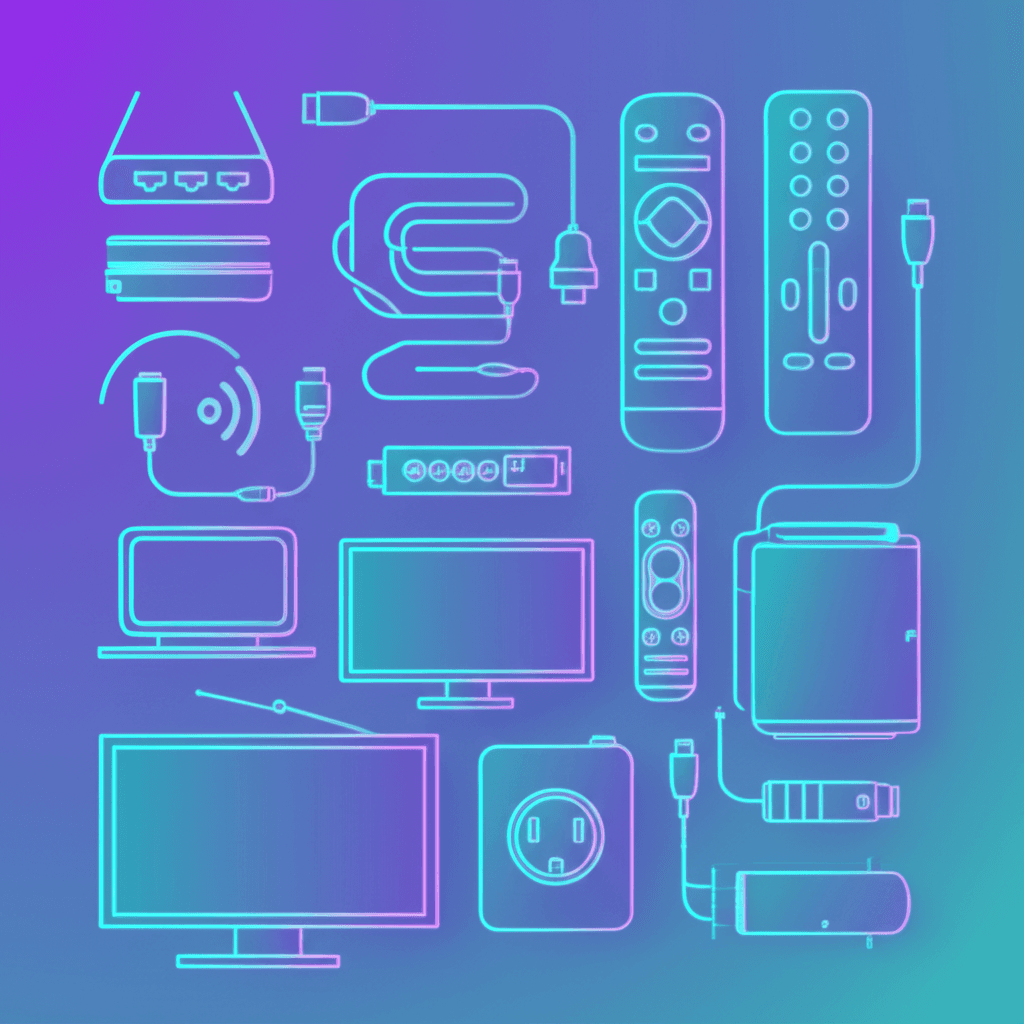
While IPTV streaming works with minimal equipment, the right accessories dramatically improve reliability, convenience, and viewing quality. From networking gear that eliminates buffering to remotes that simplify navigation, investing in appropriate accessories transforms your IPTV experience. This comprehensive guide covers every accessory category, helping you identify what you need and avoid unnecessary purchases.
Streaming Devices
The streaming device serves as the foundation of your IPTV setup. Choosing the right hardware ensures smooth playback, app compatibility, and long-term satisfaction. Each device category offers distinct advantages for different users.
Amazon Fire TV Stick: The most popular IPTV streaming device offers excellent value at $30-50. Fire TV Stick 4K Max provides the best performance with WiFi 6E support and faster processing. Standard Fire TV Stick handles HD content adequately for budget-conscious users. Both support sideloading IPTV apps not available in the Amazon store.
Android TV Boxes: Dedicated Android boxes like NVIDIA Shield TV ($150-200) offer premium performance with powerful processors, expandable storage, and extensive app compatibility. Budget Android boxes ($30-80) vary significantly in quality—research specific models before purchasing to avoid underpowered devices.
Apple TV: For users in Apple's ecosystem, Apple TV 4K ($130-180) offers excellent performance and integration. However, IPTV app availability is more limited compared to Android platforms. Users comfortable with sideloading find workable solutions, though setup requires more effort.
Smart TVs: Modern smart TVs often include Android TV or proprietary systems supporting IPTV apps. Using built-in capabilities eliminates separate device needs but may offer less flexibility and slower updates than dedicated streaming devices.
Networking Equipment
Network quality directly impacts IPTV performance. Buffering, freezing, and quality degradation often stem from network issues rather than IPTV service problems. The right networking accessories eliminate these frustrations.
Ethernet Adapters: For streaming devices lacking built-in ethernet ports (most Fire TV Sticks, Chromecast), USB ethernet adapters provide wired connectivity. Amazon's official Fire TV ethernet adapter ($15) works reliably, while third-party options offer similar performance at lower cost. Wired connections dramatically outperform WiFi for consistent streaming.
WiFi Extenders/Mesh Systems: If wired connections aren't practical, extending WiFi coverage improves wireless streaming reliability. Mesh WiFi systems ($150-300) provide consistent coverage throughout homes, eliminating dead spots that cause buffering. Single-point extenders ($30-60) offer budget-friendly improvement for specific areas.
Powerline Adapters: These devices transmit network signals through electrical wiring, providing ethernet-like reliability without running cables. Quality varies based on home electrical systems, but modern adapters ($50-100 for a pair) often achieve 500+ Mbps—plenty for 4K streaming.
Network Switches: For setups requiring multiple wired devices, gigabit switches ($15-40) expand single ethernet ports into multiple connections. Choose unmanaged switches for simple setup or managed switches for advanced network control.
Cables and Connectors
Quality cables ensure reliable signal transmission without introducing problems. While expensive "premium" cables offer no real advantage for digital signals, extremely cheap cables may cause issues. The sweet spot balances quality with value.
HDMI Cables: For HD content, any certified HDMI cable suffices. 4K HDR streaming requires HDMI 2.0 (High Speed) cables minimum. HDMI 2.1 (Ultra High Speed) cables support 8K and higher refresh rates for future-proofing. Cable length affects signal—keep HDMI runs under 15 feet when possible, use active cables for longer distances.
Ethernet Cables: Cat 5e cables handle gigabit speeds adequately for most home networks. Cat 6 or Cat 6a cables offer better shielding and support higher speeds for future network upgrades. Cat 7/8 cables provide no practical benefit for typical IPTV use and cost significantly more.
USB Cables: Power delivery and data transfer USB cables differ. For powering streaming devices, ensure cables support required amperage (typically 2A+). Avoid ultra-thin or bargain-bin cables that may provide inconsistent power causing device instability.
Remote Controls
The included remote with streaming devices often works adequately, but alternative remotes can significantly improve the IPTV experience through better ergonomics, more buttons, or enhanced features.
Air Mouse Remotes: These motion-controlled remotes allow cursor navigation by moving the remote in the air—useful for apps designed with touch/mouse interfaces rather than directional navigation. Many include full QWERTY keyboards for easy search and text entry.
Universal Remotes: Consolidate control of TV, streaming device, and soundbar into a single remote. Logitech Harmony series (though discontinued, still available) and SofaBaton offer programmable universal remotes that simplify multi-device control.
Keyboard Remotes: Mini wireless keyboards with integrated touchpads provide full text entry capabilities. Particularly useful for frequent searching or app configuration that requires text input. Backlit versions allow use in dark rooms.
Voice Remotes: If your streaming device supports voice control (Fire TV, Android TV, Apple TV), using voice search speeds up content discovery. Consider voice-enabled remotes if your included remote lacks this feature.
Storage Solutions
Expanding storage addresses app limitations, enables recording functionality, and provides space for offline content. Understanding storage options helps maximize your streaming device's capabilities.
USB Flash Drives: Simple and affordable, USB drives expand storage for apps and light media. USB 3.0 drives ($10-30) provide faster performance than older USB 2.0 options. Size requirements depend on usage—32-128GB suffices for most app storage needs.
External Hard Drives: For recording IPTV content or storing extensive media libraries, external HDDs (500GB-2TB, $40-80) offer greater capacity at lower per-gigabyte costs than flash storage. SSDs provide faster performance but cost more—HDDs suffice for video storage.
MicroSD Cards: Devices with microSD slots (some Android boxes) can use cards for storage expansion. High-endurance cards designed for continuous recording offer better reliability for DVR-type uses. Check device compatibility for maximum supported card sizes.
Network Attached Storage (NAS): For advanced users, NAS devices provide centralized storage accessible by all network devices. IPTV recordings can be stored and accessed from any compatible player. Entry-level NAS systems start around $150-300 without drives.
Power Protection
Protecting electronics from power issues prevents damage and ensures consistent operation. These often-overlooked accessories provide important protection for your streaming investment.
Surge Protectors: Quality surge protectors ($15-50) guard against voltage spikes that can damage electronics. Look for protectors with joule ratings above 1000 and indicator lights confirming protection status. Replace after significant surge events.
UPS Battery Backups: Uninterruptible power supplies ($50-150) provide battery backup during outages and superior surge protection. Smaller units keep streaming devices running briefly during short outages; larger units power entire entertainment systems.
Smart Power Strips: Programmable power strips can schedule device restarts—useful for maintaining IPTV device performance. Some detect when the TV powers off and cut power to connected devices, reducing standby energy consumption.
Display Enhancement
While not strictly IPTV accessories, display-related equipment affects viewing experience. These additions complement your streaming setup for optimal enjoyment.
HDMI Splitters: Send single IPTV output to multiple displays simultaneously. Active splitters ($25-50) work reliably; passive splitters often fail with HDCP-protected content.
HDMI Switches: Connect multiple devices to limited TV inputs. Switches ($15-40) allow easy toggling between streaming device, gaming console, and other sources. Remote-controlled switches add convenience.
TV Mounts: Proper positioning improves viewing comfort. Tilting and swiveling mounts ($20-100) adjust viewing angles; full-motion mounts allow flexible positioning for different seating arrangements.
Audio Accessories
Upgrading audio significantly enhances the IPTV viewing experience. Even budget audio improvements outperform typical TV speakers.
Soundbars: Simple, affordable audio upgrade ($80-300) dramatically improves clarity and bass. Most connect via HDMI ARC or optical cables, integrating seamlessly with streaming setups.
Wireless Headphones: Bluetooth or RF wireless headphones enable private listening without disturbing others. Low-latency options minimize audio-video sync issues common with standard Bluetooth connections.
Audio Extractors: For connecting older audio equipment, HDMI audio extractors separate audio signals for analog output. This enables using existing speakers or receivers with modern streaming devices.
Prioritizing Your Purchases
Not all accessories offer equal value. Prioritizing purchases based on impact ensures smart spending that genuinely improves your IPTV experience.
Essential (Buy First): Quality streaming device if your TV lacks good built-in apps, ethernet adapter if experiencing buffering issues, and reliable power protection for your equipment.
High Impact (Consider Next): WiFi improvement if ethernet isn't possible, quality HDMI cable for 4K viewing, and soundbar for audio enhancement.
Nice to Have: Alternative remotes for convenience, external storage for recording, and display accessories for multi-room or flexible viewing setups.
Frequently Asked Questions
What accessories do I need for IPTV streaming?
Essential accessories include a compatible streaming device, stable internet connection (preferably wired via ethernet adapter), quality HDMI cable for 4K, and reliable remote control. Optional accessories include external storage, surge protectors, and WiFi extenders.
Do I need an ethernet adapter for IPTV?
While not required, ethernet adapters significantly improve reliability. Wired connections provide consistent bandwidth without WiFi interference, reducing buffering especially during 4K streaming. USB ethernet adapters for devices like Fire TV Stick cost $15-30 and offer dramatic improvements.
What HDMI cable version do I need?
For HD streaming, any HDMI cable works. For 4K HDR content, HDMI 2.0 cables are minimum requirements. HDMI 2.1 cables offer future-proofing with 8K support. Avoid extremely cheap cables that may cause signal issues.
Can I use external storage with IPTV devices?
Yes, most Android-based streaming devices support external USB storage for apps, recordings, and downloaded content. Use USB 3.0 drives for faster performance. Check device compatibility for formatting requirements and maximum supported sizes.